
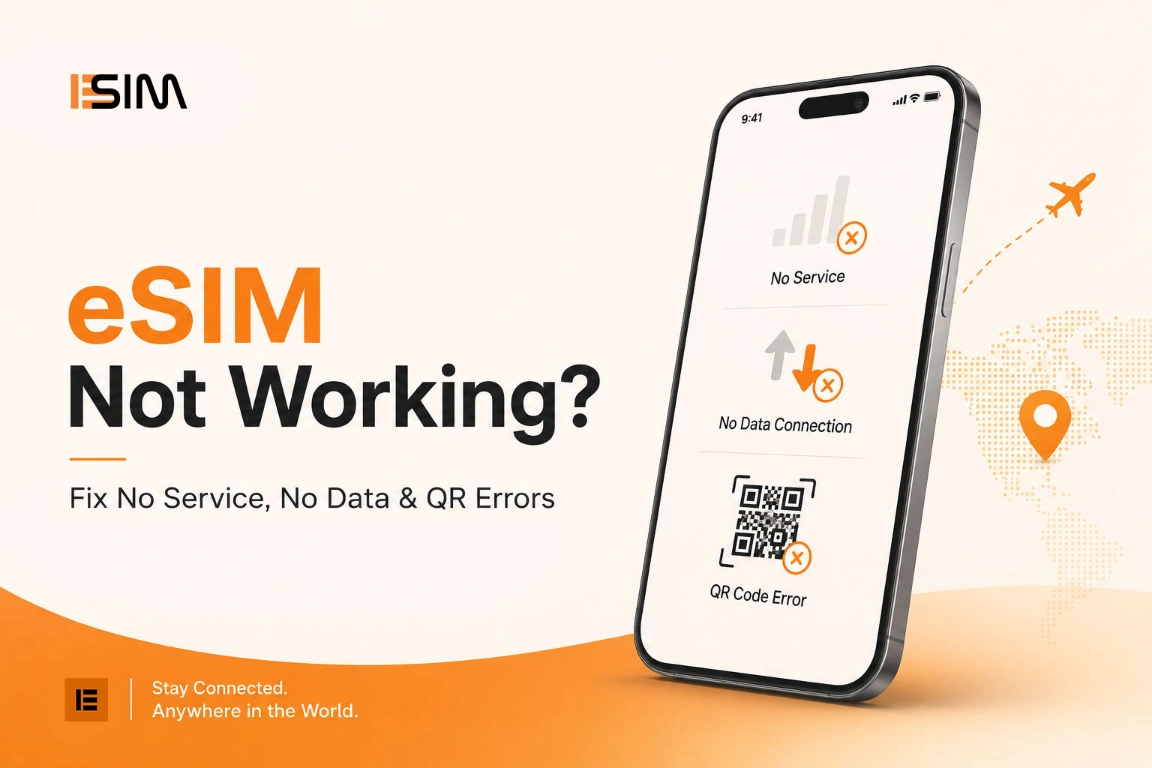
eSIM Not Working? Fix No Service, No Data & QR Errors
The ordered checks support runs: install errors, network selection, data line and roaming toggles, APN, and the iPhone and Android menus where each setting lives.
Travel the world and stay connected with a prepaid travel eSIM. No plastic SIM, no roaming bill — buy online, scan the QR code, and your global data plan is live the moment you land.
180+ countries · pay by card
Start with your destination. Each card opens that country's coverage, pricing, and available plans.
The homepage shows a handful. The full index lets you compare every prepaid bundle by data allowance, trip length, and price — each one delivered as a digital eSIM you install in minutes on a compatible phone or tablet.
Destinations
200+
Plans
1000+
Delivery
Instant
No shop queue, no plastic card, no contract. The whole thing happens on the device already in your hand — most travelers finish before their coffee cools.
Sign in or register with your email so every order, QR code, and receipt stays in one place.
Pick your country or region from 180+ destinations and compare data, validity, and price.
Choose the plan that fits the trip and pay by card through Stripe. Prices are shown in USD.
Your QR code arrives instantly. Scan it, land, and your data starts on the local network.
Card details go straight to Stripe over an encrypted connection — they never touch esimtrip.com. Prices are charged in US dollars, and your eSIM QR code lands in your inbox the moment payment clears.
Accepted at checkout
Availability of wallet options depends on your device and region.
Setup walkthroughs, device compatibility and destination notes — written for travelers who want the details before they land.

The ordered checks support runs: install errors, network selection, data line and roaming toggles, APN, and the iPhone and Android menus where each setting lives.

The iPhone 18 Pro is rumored to ship without a SIM tray in Europe. What eSIM-only means, how to migrate your number, and why travelers come out ahead.

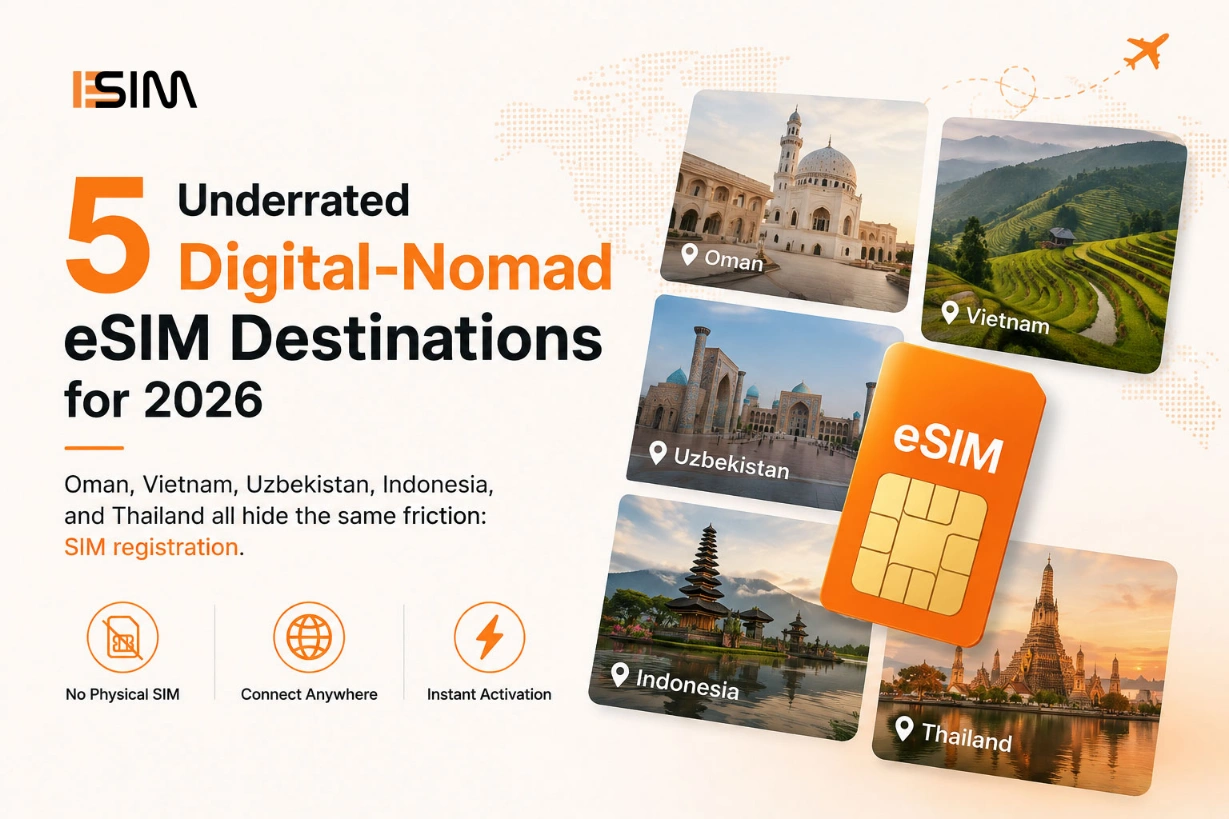
Oman, Vietnam, Uzbekistan, Indonesia, and Thailand all hide the same friction: SIM registration. See where an eSIM quietly saves your first day.

Traveling to the USA? Skip roaming fees with instant eSIM activation. Compare prepaid and unlimited data plans for tourists.
Compatibility, installation, dual-SIM, refunds — the things travelers check before they buy, answered without the sales pitch.
An eSIM is a digital SIM built straight into your phone, completely eliminating the need for a physical plastic card. A travel eSIM provides a prepaid, local mobile data plan for your trip. You simply buy it online, scan a QR code (or use a direct installation link), and activate the line right when you arrive to completely sidestep your home carrier’s expensive international roaming fees.
Yes, provided your phone is both eSIM-capable and network-unlocked. Most flagship devices released since 2018 (including iPhone XR/XS and newer, Google Pixel 3 and newer, and Samsung Galaxy S20 and newer) support eSIM. Crucially, if your phone is locked by a specific carrier under a financing or payment plan, it will reject third-party travel eSIMs. You can verify support by looking for an “Add eSIM” or “Add cellular plan” option in your network settings.
Immediately after checkout, you’ll receive a unique QR code and setup instructions via email. On an iPhone, go to Settings → Cellular → Add eSIM and scan the code. On an Android device, navigate to Settings → Network & Internet → SIMs → Add eSIM. Follow the prompts to label your new line (e.g., “Travel Data”) and ensure that data roaming is explicitly enabled for this profile so it can connect when you land.
For most destinations, no identity verification or passport registration is required for tourist data plans. You can purchase and activate your line fully online, letting you skip the local airport kiosks entirely. However, because local telecom regulations vary globally, a few select countries require identity registration before a profile can be activated. Always check the specific plan specifications at checkout for regional compliance rules.
Absolutely. WhatsApp remains linked to the original phone number you verified it with—meaning your home SIM card. The travel eSIM functions strictly as a secondary data pipe. Your chat history, contacts, and active phone number in the app will not change at all while you use the new local data connection.
Dual SIM allows both your home physical SIM and your digital travel eSIM to run concurrently. In your device settings, you will designate your home line for Voice/SMS (keeping you reachable for texts and emergency calls) and set the travel eSIM as your primary line for “Cellular Data.” For total safety against accidental roaming charges, remember to turn off “Allow Cellular Data Switching.”
We strongly recommend installing your eSIM at home while connected to a reliable, stable Wi-Fi network the day before you travel. The installation process simply provisions the profile on your device; your data allowance and days of validity won’t actually begin counting down until the chip registers onto a supported network in your destination country.
Most international travel eSIM packages are optimized strictly for mobile data and do not include a local phone number for legacy cellular voice calls or SMS. If you need to make calls, you can seamlessly use data-driven platforms like WhatsApp, FaceTime, Skype, or Google Meet over your local eSIM connection.
Yes, personal hotspot and tethering are natively supported on the vast majority of our global data plans, allowing you to share your data pool with your laptop, tablet, or companion devices. Keep in mind that tethered devices typically consume data at a much faster rate, so keep an eye on your consumption under your operating system’s data tracker.
Once your data allowance runs dry or your validity duration wraps up, the line will simply stop routing data traffic. Depending on the specific provider package, you can either buy a digital top-up directly through your account dashboard or easily purchase and download a fresh secondary eSIM profile to extend your connectivity instantly.
First, make sure that Airplane Mode is turned off and Data Roaming is turned on specifically for your new travel eSIM profile. If it still won’t connect, give the device a clean reboot to force a network handshake. Whatever you do, do not delete the eSIM profile from your settings menu; travel eSIMs are single-use tokens and cannot be re-downloaded once removed. If network dropouts persist, capture screenshots of your settings and ping our support team.
Because eSIMs are intangible digital goods that are securely generated on demand, we generally cannot issue refunds once a QR code profile has been delivered or installed on a device. However, if you experience a technical failure or activation issue caused on our end that our support desk cannot fix, we will issue a full refund. Please review our complete policy page for specific terms.