
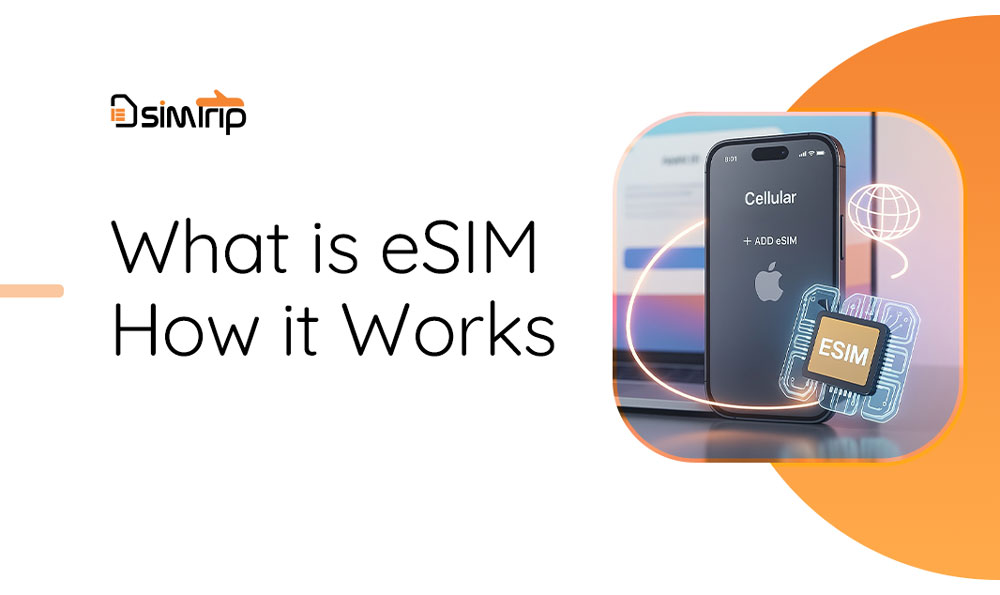
What is an eSIM?
The plain-English guide to embedded SIM technology — how it differs from the plastic card in your phone, why it's a game-changer for travel, and what to check before you buy your first plan.
Key takeaways
- An eSIM is a programmable chip built into your phone — no plastic card, no tray.
- You add a carrier or travel plan by scanning a QR code instead of swapping cards.
- Your phone can hold several eSIM profiles at once and switch between them in Settings.
- Most iPhones since XS/XR, Pixels since 3, and Galaxy phones since S20 support eSIM.
- Travel eSIMs get you online in 180+ countries at local prices — no roaming fees.
What is an eSIM?
Quick answer
Think of it like the difference between a CD and a music streaming app. The plastic SIM is the CD: one carrier, physically inserted. The eSIM is the app: your phone can store several carrier profiles at once and switch between them in Settings, in seconds. That flexibility is why eSIM has become the standard on modern iPhones, Pixels, and Galaxy devices — and why it's especially useful the moment you leave your home country.
eSIM vs physical SIM
Both store the same thing — your subscription to a mobile network. The difference is entirely in how you get it into the phone and how many you can keep there. Most phones let you run a physical SIM and an eSIM side by side, so you can keep your home number active while a travel eSIM handles data abroad.
Physical SIM
- Needs a tray and an ejector pin
- Shipped by mail or bought in a store
- One carrier per card — swapping means removing it
- Easy to move between devices
eSIM
- No tray — the chip is soldered inside the phone
- Delivered instantly online (QR code or app)
- Stores multiple profiles — switch carriers in Settings
- Tied to the device — profiles usually can't be moved
How eSIM activation works
From purchase to being online takes most people under ten minutes. Here's the whole journey:
- 1
Buy a plan for your destination
Pick a travel eSIM that matches your trip — a single country like Japan, or a whole region like Europe. Checkout takes a couple of minutes. - 2
Receive your QR code instantly
The provider emails a QR code (or an install link) right after payment. Nothing ships — the "SIM" is just data. - 3
Install while you still have Wi-Fi
On iPhone: Settings → Cellular → Add eSIM. On Android: Settings → Network & Internet → SIMs → Download a SIM instead. Scan the code and let the profile download completely. - 4
Land, switch on, connect
At your destination, enable the eSIM line and set it as your mobile-data source. Keep your home SIM active for calls and SMS if you want to stay reachable.
Why travelers love eSIM
Travel eSIMs are prepaid data bundles for a specific country or region. You buy before you fly, install on hotel or home Wi-Fi, and your phone connects to a local network the moment you land. That solves three classic travel headaches:
Online on arrival
No roaming bills
Nothing to lose
What you need before buying
Four things determine whether an eSIM will work for you. Run through this checklist before checkout:
An eSIM-capable phone
iPhone XS/XR or newer, Google Pixel 3 or newer, Samsung Galaxy S20 or newer, and most recent mid-range Androids.A carrier-unlocked device
If your phone is locked to a carrier contract, it will reject other providers' profiles. Check with your carrier — unlocking is often free once the contract ends.Wi-Fi (or data) during setup
The eSIM profile is downloaded over the internet, so install it at home or on hotel Wi-Fi — not after you've landed offline.A plan from a trusted provider
Buy from an established travel eSIM store so the QR code arrives instantly and support is reachable if anything goes wrong.
Four mistakes to avoid
- Check your exact model and region — a few country variants (e.g. mainland-China iPhones) ship without eSIM support.
- Read the plan details carefully: validity period, data cap, and whether it is data-only or includes a phone number.
- Install the profile before you leave Wi-Fi. Landing abroad with an unscanned QR code and no connection is the #1 rookie mistake.
- Dual-SIM users: set your home line for calls/SMS and the eSIM for data, or you may accidentally roam on the wrong line.
Quick questions
It can, but it doesn't have to. Most phones run a physical SIM and an eSIM at the same time, so travelers usually keep their home SIM for calls and add an eSIM just for data abroad.
Ready to try your first eSIM?
Keep reading
eSimTrip Team
Connectivity experts · travel tested