Guides
What is eSIM?
A clear introduction to embedded SIM technology: how it differs from a plastic SIM, why travelers use it, and what you need before you buy.
Updated April 2026 · About 5 min read
Definition
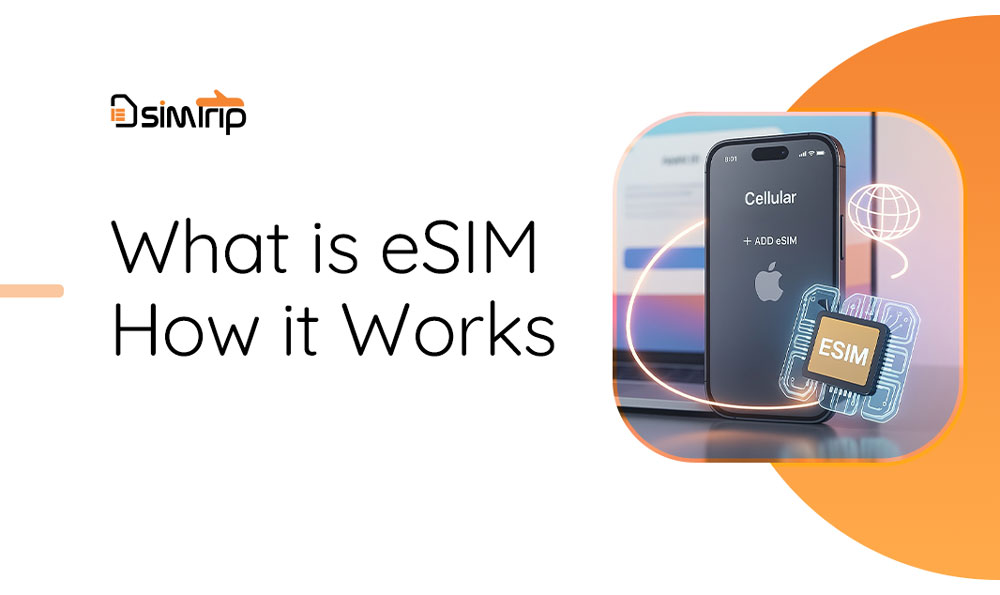
eSIM stands for embedded SIM. It is a small, programmable chip built into many phones, tablets, and laptops. Instead of inserting a physical SIM card, your device downloads a carrier profile over the internet—often by scanning a QR code or tapping an install link from your provider.
eSIM vs physical SIM
A traditional SIM is a removable plastic card that stores your subscription on the chip. An eSIM stores the same kind of subscription digitally. You can usually keep your primary SIM (or primary eSIM line) and add a second line for travel or work without visiting a store.
- No swapping — add a plan without opening the SIM tray.
- Multiple profiles — many devices support more than one eSIM plan; you switch in settings.
- Remote delivery — QR codes and apps replace shipping a card.
How activation usually works
- You purchase an eSIM data plan (for example for a specific country or region).
- The provider sends a QR code, manual install details, or an in-app activation flow.
- On your phone, you add a cellular plan (iOS) or download the profile (Android), often using the camera or settings menu.
- You enable the new line when you arrive or when you want to use that data.
Steps vary slightly by device and OS version. For device-specific steps, see our eSIM installation guide.
Why travelers use eSIM
Travel eSIM plans are built for short trips: you pay for a bundle of data (and sometimes calls) in the destination, connect to local networks where supported, and avoid hunting for a local plastic SIM at the airport. Coverage and speeds depend on the plan and the partner networks in each country.
Before you buy
- Confirm your device is eSIM-capable and carrier-unlocked where required.
- You typically need a Wi‑Fi or data connection for the first install.
- Read the plan details: validity period, data amount, supported countries, and fair-use rules.
Unsure about your phone? Try our compatibility checker.